0%
Preparing your experience
Explore Courses — Future Proof Your Career

Your Bag

Animation in Blender

3D Design

Animation in Blender

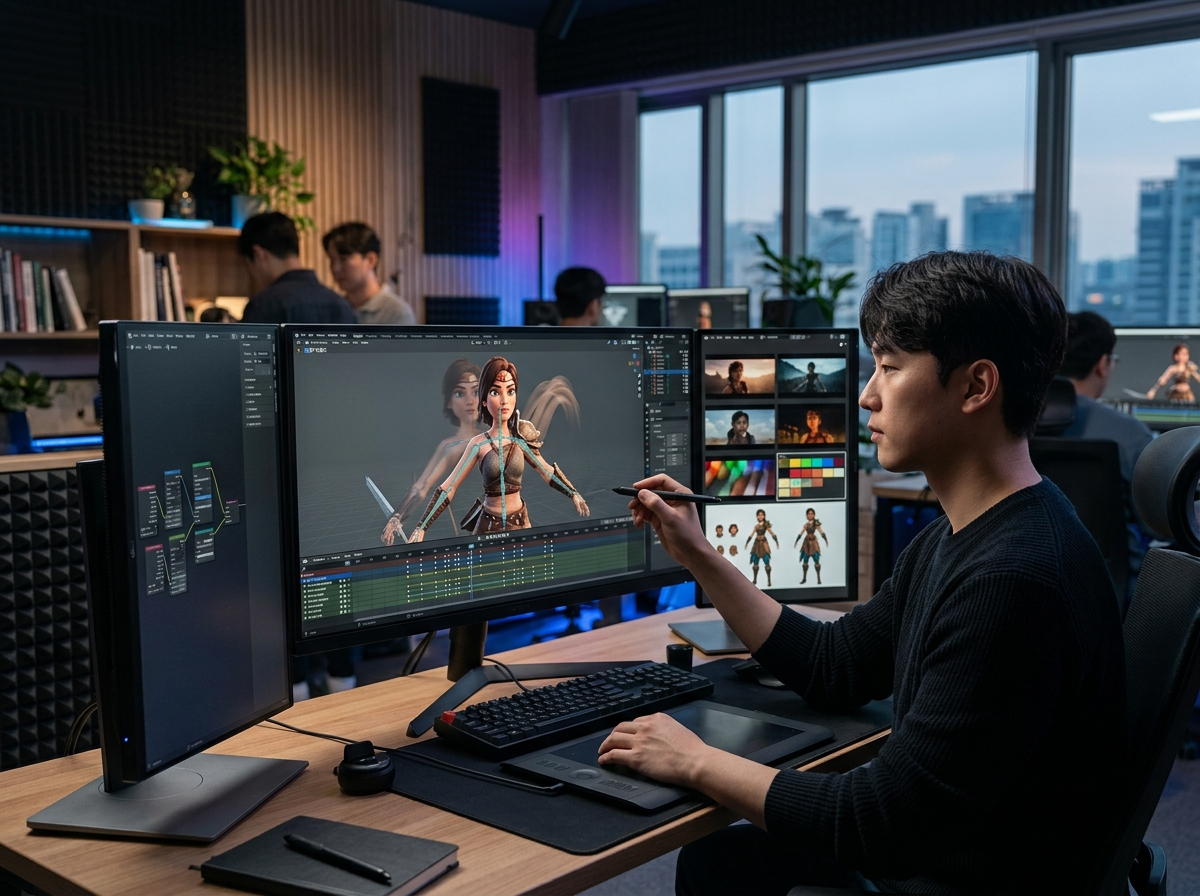
Animate in Blender with rigging, keyframes, the graph editor, and camera work, and render finished shots you can put in a showreel.

Levels 04 Skill Range Beginner → Expert Track 3D Design
Animation in Blender
From 247CREDS
Course Overview

3D Design

Take a model and give it motion that reads clearly on screen. You will rig with armatures, weight paint for clean deformation, and set up controls that make posing quick. The course covers keyframing and the graph editor for timing and easing, animating a walk cycle and a short acting shot, camera moves and shot composition, and rendering with motion blur and sensible sampling, finishing with an edited sequence ready for a showreel.

Curriculum

Learning Path

Each level is enrolled separately. Work through them in order, or start at the level that matches your experience.

01
Level 01

Beginner

Purpose

Learn keyframing and the graph editor in Blender by animating simple objects well.

Outcome

You can animate simple motion in Blender with control over timing and easing.

What You'll Learn
  • Set keyframes for transforms and edit them in the dope sheet
  • Shape interpolation curves in the graph editor for natural motion
  • Animate a bouncing ball with correct timing and arcs

247 CREDS

02
Level 02

Intermediate

Purpose

Rig a character so posing is quick and deformation stays clean.

Outcome

You can rig a character that another animator could pick up and pose.

What You'll Learn
  • Build an armature with sensible bone naming and hierarchy
  • Weight paint for smooth deformation at the shoulders, hips, and face
  • Add controls, constraints, and inverse kinematics for usable posing

489 CREDS

03
Level 03

Advanced

Purpose

Animate performance shots with weight, arcs, and camera work that supports the action.

Outcome

You can animate a short shot in 3D that reads clearly and feels alive.

What You'll Learn
  • Animate a walk cycle and a short acting shot with clear intention
  • Use arcs, overlap, and follow through for natural movement
  • Animate the camera and stage the shot for readability

752 CREDS

04
Level 04

Expert

Purpose

Finish and present animation work to a standard suitable for a professional showreel.

Outcome

You can produce finished animated shots and present them as a professional reel.

What You'll Learn
  • Render efficiently with motion blur, sampling, and render layers
  • Composite and grade shots so a sequence looks consistent
  • Edit, add sound, and assemble a reel that shows your best work first

1,042 CREDS